
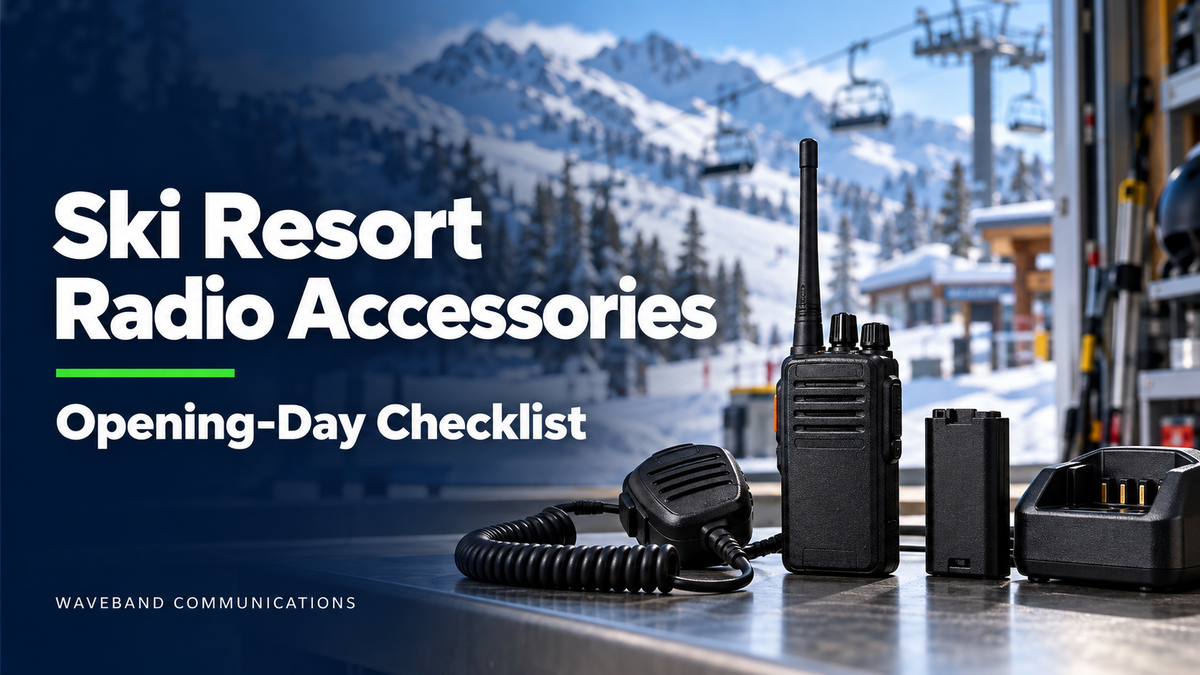
A radio that powers on is not necessarily ready for opening day. A worn microphone cable, unreliable battery or broken belt clip can leave a staff kit incomplete just when returning and seasonal employees need it.
Before your resort opens, inspect five accessory groups: batteries, speaker microphones, earpieces and headsets, chargers, and cases or clips. Replace damaged equipment and items that fail evaluation. Test accessories with an uncertain history, and keep working equipment only after confirming compatibility and suitability for the assigned role.
Planning your resort's opening-day order? Send us your radio models, accessory quantities and required delivery date.
Start with an inventory by radio model and department
Record the exact radio model and complete accessory part number for each team. Include spare equipment and radios stored in vehicles, patrol rooms, lift stations and maintenance shops. Use one spreadsheet row per part number, with columns for location, quantity, condition, compatibility status and replacement priority.
Keep different radio models on separate inventory lines. A connector that looks similar is not enough to establish compatibility. Include any adapters, charger pockets and headset PTT modules when requesting a replacement recommendation.
Match the review to each department's work. Ski patrol can evaluate fit with helmets and outerwear; lift operators can check access to PTT while wearing gloves; maintenance teams can review cable routing and task-specific requirements; guest services can check comfort and discreet listening. Confirm requirements with the people who will use the equipment.
For help organizing equipment by role, read our ski resort communication guide.
Opening-day checklist: keep, test or replace
Keep equipment only after confirming its compatibility, condition and operation. Set uncertain items aside for evaluation, and follow the manufacturer's instructions when inspecting or testing equipment. Do not issue equipment awaiting evaluation as ready-to-use stock.
| Accessory | Keep | Test or confirm | Replace or remove from service |
|---|---|---|---|
| Batteries | Compatible packs that pass inspection and meet your shift requirements. | Unknown history, reported runtime problems or unreadable identification. | Damaged or swollen packs, or packs that fail your evaluation. |
| Speaker microphones | Secure connections and dependable transmit, receive and PTT operation. | Reported audio problems or uncertain model compatibility. | Broken connectors, exposed wiring or recurring faults. |
| Earpieces and headsets | Working, compatible equipment with suitable fit and condition. | Audio, PTT, adapters and fit with normal work gear. | Damaged cables or fittings; replace worn personal-contact parts as appropriate. |
| Chargers | Approved equipment that passes checks and provides enough charging positions. | Battery/pocket compatibility and reported charging errors. | Damaged equipment or components that fail evaluation. |
| Cases and clips | Secure retention and clear access to required controls. | Fit with the intended battery, microphone and clothing. | Broken clips, failed closures or poor retention. |
1. Replace batteries that fail inspection or cannot meet shift needs
Start with packs staff flagged last season for unexpected swaps or short runtime. Label each pack so a reported problem can be traced to the individual battery rather than the entire radio fleet.
Evaluate batteries using the manufacturer's recommended procedures. Check condition, labels and contacts, and distinguish battery problems from charger or radio faults before ordering. Remove damaged or swollen packs from service and follow manufacturer guidance for handling them.
Specify the exact radio model, approved battery part number and any required safety certification. Compare documented operating and charging temperature limits with your resort's intended use; do not assume every battery and charger combination suits every location.
Build quantities around issued radios, shift overlap, spare equipment and charging opportunities. Review the workflow for each department instead of applying the same spare-battery allowance across the resort.
2. Replace damaged speaker microphones and unreliable cables
Inspect the microphone housing, cable, strain relief, radio connector and clothing clip. Look for exposed wiring, loose fittings and damage at cable bends. Record intermittent audio or connections users must reposition to make work.
With an approved, compatible setup, test transmit and receive audio and PTT operation. Have staff check button access with their normal gloves and the microphone mounted where they intend to wear it. Evaluate any additional controls required for their role.
For replacements, specify the exact radio model, required controls and mounting arrangement. Compare documented operating-temperature and water-resistance ratings with your requirements. A rating alone does not establish suitability for every task or configuration.
Find Compatible Speaker Microphones
3. Refresh worn earpiece parts and review headset fit
Inspect acoustic tubes, ear tips, cushions and other personal-contact components. Replace worn parts as appropriate, and follow product cleaning instructions and your resort's hygiene procedures before reassigning equipment.
Separate receive-only earpieces from complete transmit-and-receive kits in your inventory. Record whether the accessory connects directly to the radio or to a speaker microphone, including the plug type and any adapter.
For headsets, record the headset, PTT module and radio cable as one configuration. Have intended users evaluate comfort, audio and cable routing with their normal uniform, helmet and outerwear before placing a quantity order. Where hearing protection is required, verify the appropriate protection rating separately from communication features.
4. Resolve charger faults and charging-capacity gaps
Count usable charging positions at each equipment location, not just the number of charger bases. Compare that capacity with peak demand at shift changes, including spare packs and additional seasonal staff.
Check compatibility for the complete battery, charger and pocket combination. Inspect equipment according to its instructions and investigate charging errors before deciding whether to replace a battery, pocket, power supply or charger.
For a multi-unit charging quote, provide radio models, battery part numbers, existing charger and pocket part numbers, and the number of additional positions needed. Request a configuration matched to your fleet and planned charging location.
Explore Multi-Unit Radio Chargers
5. Replace broken clips and cases with poor retention
Fit-test the carry arrangement with the intended radio, battery and audio accessory installed. Check closures, belt attachments and clips, along with access to required controls and connector clearance.
Have staff evaluate the setup while seated and wearing their normal outerwear. Check that the microphone cable routes comfortably and that the radio can be removed and returned as intended. Replace damaged retention components and set aside arrangements that do not hold equipment securely.
Prioritize your opening-day purchasing list
Separate replacement needs from additional equipment for new staff. Prioritize damaged equipment and unresolved faults first, then gaps in charging capacity or complete staff kits, followed by role-specific fit and comfort improvements.
Assign a quantity to each complete part number. Record who reviewed the item, whether a sample is needed, and the required delivery date. Keep proposed substitutions marked as unapproved until compatibility and user requirements have been reviewed.
Work backward from opening day: allow time for compatibility confirmation, sample evaluation, purchasing approval, delivery and kit assembly. Confirm availability and timing when requesting a quote rather than assuming every item is ready to ship.
Copy this checklist into your fleet quote request
- Resort name and delivery location:
- Contact name, email and phone:
- Opening date and required delivery date:
- Radio models and quantities by department:
- Existing accessory part numbers and connector photos:
- Items to replace, reported faults and replacement quantities:
- Replacement batteries, spare quantities and required certifications:
- Speaker microphone quantities, mounting needs and required controls:
- Earpiece and headset quantities, connection types and personal-contact replacement parts:
- Charger models, pocket and battery part numbers, and additional charging positions:
- Case and clip requirements:
- Operating conditions, glove/helmet use and other requirements:
- Sample-evaluation needs and purchasing approval deadline:
- Request: compatibility confirmation, availability and an itemized quantity quote.
Frequently asked questions about ski resort radio accessories
Should we replace every accessory before the season?
Use condition, compatibility and evaluation results to decide. Retain equipment that passes your checks and meets the assigned role's requirements; replace failed items and resolve uncertain equipment before issuing it.
Can an existing accessory move to a different radio model?
Confirm the complete accessory part number and configuration against the receiving radio. Include connector details, adapters and any required functions. Similar appearance does not establish compatibility.
How many spare batteries should each department have?
Base the quantity on issued radios, demonstrated runtime, shift overlap and access to charging. A team with a different shift or charging workflow may need a different spare plan.
Get your resort's radio accessories ready for opening day
Before issuing kits, make one final check that each contains the assigned radio, approved battery, audio accessory and secure carry arrangement, with an identified charging location. Keep equipment awaiting evaluation separate from kits approved for issue.
Waveband Communications can help you identify accessory options for your radio models and prepare a quantity quote for your resort. Send your inventory, department requirements and delivery date to start the review.